

Many people get a new British passport and then face a common concern—what happens to their Overseas Citizen of India (OCI) status? Since the old passport number is linked to the OCI card, this often creates confusion, especially when travel to India is planned.
From our experience, most applicants look for this information either before renewing their British passport or immediately after receiving a new one. The biggest worry is whether outdated passport details in the OCI card can cause issues at immigration.
In this guide, we explain how to update new British passport details in OCI via VFS UK in a clear, step-by-step manner. You’ll learn who needs to update their OCI, required documents, application process, fees, processing time, and common mistakes to avoid.
Read Also:- How Long US Citizen Can Stay in India with OCI – Stay Rules
Why You Need to Update New British Passport Details in OCI?
The Indian government expects your OCI details to match your current passport. Your OCI booklet contains your old passport number, which becomes invalid once you renew your passport.
If you travel with outdated details, you may face issues at:
- Airline boarding
- Immigration checks in India
Keeping your OCI updated ensures smooth travel and avoids unnecessary complications.
Who Needs to Update OCI After Getting a New British Passport?
This is straightforward. Anyone holding an OCI card with a new British passport should check update requirements:
Age-Based Rules
- Below 20 years: Update OCI every time you get a new passport
- Above 50 years: One-time update required after new passport
- Between 20–50 years: Update not mandatory but strongly recommended
This process comes under OCI Miscellaneous Services VFS UK.
Documents Required to Update New British Passport Details in OCI via VFS UK
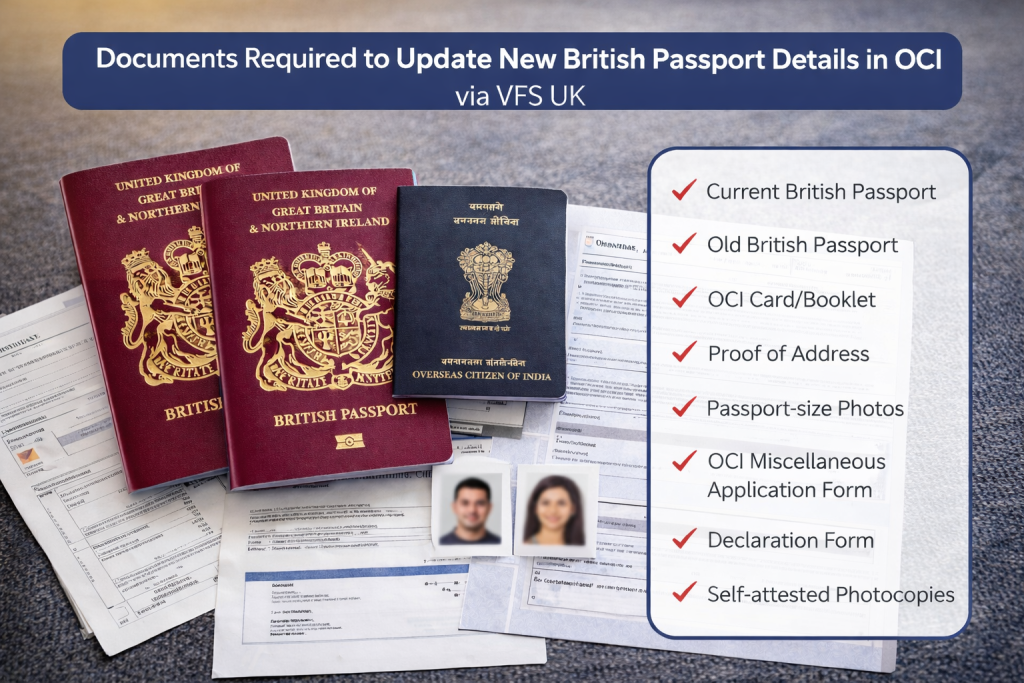
Getting documents right is crucial. Here’s the checklist:
- Current British Passport (original + copy)
- Old British Passport (original + copy)
- OCI Card/Booklet (original + copy)
- Proof of Address (last 3 months utility bill/bank statement)
- Passport-size Photos (51mm x 51mm, white background)
- OCI Miscellaneous Application Form (printed)
- Declaration Form
- Self-attested photocopies
How to Update New British Passport Details in OCI via VFS UK (Step-by-Step Process)
Step 1: Apply Online
Visit OCI portal → Select OCI Miscellaneous Services
- Fill form carefully
- Download & print application
- Save reference number
Step 2: Prepare Documents
- Arrange all documents properly
- Self-attest photocopies
- Follow VFS checklist
Step 3: Book VFS Appointment
- Visit VFS Global UK website
- Select OCI Miscellaneous Services
- Book nearest centre slot
Step 4: Submit Application
- Visit VFS centre
- Submit documents
- Pay fees
- Collect acknowledgement receipt
Step 5: Collect OCI
- Receive update notification
- Collect in person or via courier

VFS UK Application Submission Process
At VFS centre, process includes:
- Security check
- Token issuance
- Document verification
- Fee payment
- Acknowledgement receipt
If documents are correct, the process is smooth.
OCI Update Fees in the UK
| Fee Type | Amount (GBP) |
| OCI Miscellaneous Services Fee | £25.00 |
| ICWF (Indian Community Welfare Fund) | £2.00 |
| VFS Service Charge | £7.50 |
| Courier Charge (Optional) | £15.00 |
| Total (Excl. Courier) | £34.50 |
Processing Time for OCI Passport Update
- Standard: 6–8 weeks
- Peak season: 10–12 weeks
Always avoid booking travel before receiving updated OCI.
Common Mistakes to Avoid
Incomplete application forms
Many applicants leave fields blank or enter incorrect details. Even small mistakes can lead to rejection or delays, forcing you to refill and resubmit the entire OCI application again.
Incorrect photo size
Submitting photos that don’t meet 51mm x 51mm size or white background rules can cause rejection. Always follow VFS photo guidelines strictly to avoid unnecessary application delays.
Missing signatures
Forgetting to sign the application form or declaration is a common mistake. Unsigned forms are considered incomplete and will not be accepted during VFS submission or processing stages.
No self-attestation
All photocopies must be self-attested with your signature. Without this, documents are treated as invalid, and your application may be rejected or returned for correction.
Old address proof
Submitting outdated address proof older than three months is not accepted. Ensure your documents are recent, valid, and clearly show your current UK residential address.
Not carrying originals
VFS requires original documents for verification. If you don’t bring them, your application won’t be accepted, even if all photocopies and forms are correctly prepared.
How to Track OCI Update Application Status
You can track via:
1. VFS Global Website
- Use VFS reference number
2. OCI Government Portal
- Use OCI application number
Check both for accurate updates.
FAQs on Updating New British Passport Details in OCI
Do I need to update OCI after a new passport?
Yes, especially for under 20 and over 50. Others should update for safety.
Can I travel with old passport details in OCI?
Not recommended. It may cause issues at airports or immigration.
Conclusion
Updating your OCI with new British passport details via VFS UK is essential for hassle-free travel. The process is simple if done correctly, but requires careful attention to documents and steps.
Follow this guide properly, and you’ll avoid delays, rejections, and travel issues.