
You’ve filled out the forms, scanned the documents, and navigated the entire OCI application. Now you’re at the last step: the payment. From what we’ve seen over the years, this is where most people get stuck. The payment gateway can feel clunky, the instructions aren’t always clear, and the fear of a failed transaction is real. People are looking for this information because they need a straight, no-nonsense guide to get this final, critical step done right the first time. We’re going to walk you through exactly how to pay OCI fees online, the methods you can use, and the common traps to avoid.
What Are OCI Fees?
OCI fees are the charges levied by the Government of India for processing your Overseas Citizen of India application. This isn’t just one flat fee. It covers everything from the initial verification and processing to the printing and dispatch of the OCI card itself. Think of it as the administrative cost for the service. The amount you pay depends on the type of application—a new OCI card, a re-issuance for a new passport, or a conversion from a PIO card.
Read also:- Cost of OCI Card in 2026: Complete Fees Breakdown, Hidden Charges & Latest Updates
Who Needs to Pay OCI Fees Online?
Anyone applying for OCI services through the official online portal needs to pay these fees. This includes:
- First-time applicants for a new OCI card.
- Existing OCI cardholders who need to re-issue their card (for example, after getting a new passport).
- Individuals converting their old Person of Indian Origin (PIO) card to an OCI card.
- Applicants applying for miscellaneous services, like correcting details on their OCI card.
The system is now almost entirely digital, so showing up with cash is not an option. You have to handle the OCI fee payment online.
OCI Fee Structure (Latest 2026 Update)
The fee structure isn’t universal; it changes based on where you are applying from. The embassy or consulate in your country sets the final amount in the local currency, which is an equivalent of the base fee in US Dollars.
Here’s a general breakdown we use for guidance, but you MUST check the specific website of the Indian Mission in your country for the exact amount.
- New OCI Application:- Typically around $275 USD or its equivalent.
- OCI Re-issuance (for lost/damaged card):- Usually around $100 USD or equivalent.
- OCI Re-issuance (for new passport):- This is often a lower fee, around $25 USD or equivalent.
- Conversion from PIO to OCI:-This service also carries a fee, generally around $100 USD.
Again, these are baseline figures. The final amount you see on the payment gateway will include any applicable service charges or transaction fees. Always trust the final amount displayed on the official payment page over any general guide.
Payment Methods for OCI Fees Online
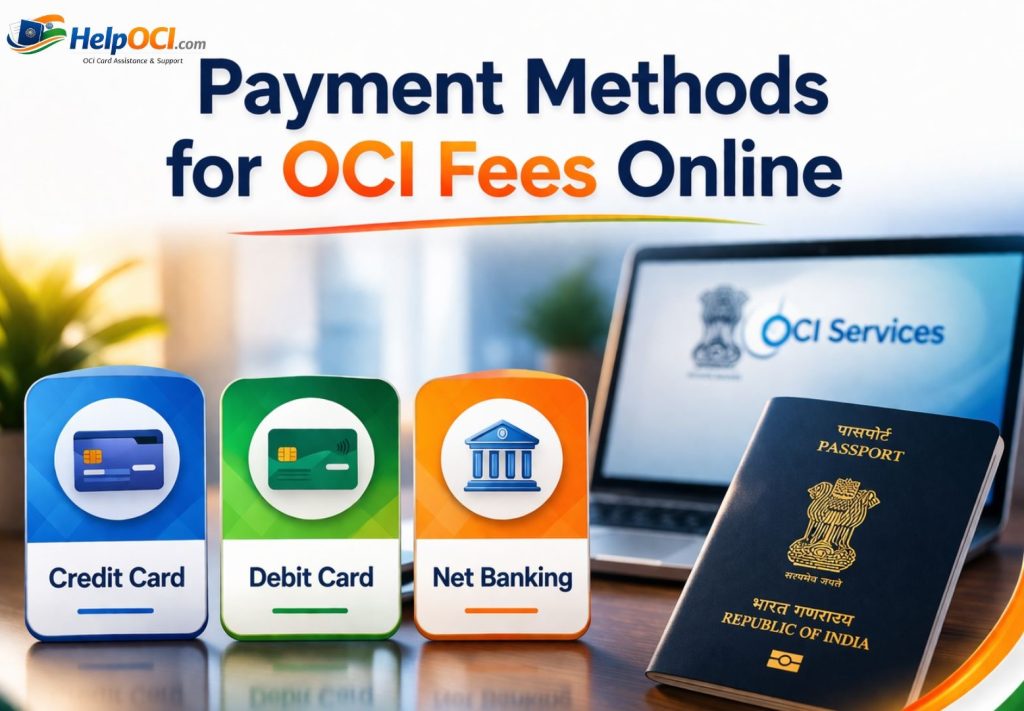
The official portal offers a few standard ways to pay. The options available can sometimes vary slightly depending on the country you’re applying from, but these are the core OCI fees payment methods we see consistently.
Credit Card
This is the most common and widely accepted method. Both Visa and MasterCard are almost universally accepted. In our day-to-day work, we find this to be the most reliable option for most applicants, especially those outside India. Just make sure your card is enabled for international transactions if you’re applying from abroad.
Debit Card
Many debit cards with a Visa or MasterCard logo work just like credit cards for the OCI online payment process. However, we’ve seen some country-specific debit cards (like those without a major international logo) get rejected. If you plan to use a debit card, ensure it’s one that is cleared for online, international payments.
Net Banking
For applicants applying from within India, this is a solid option. The payment gateway will redirect you to your bank’s net banking portal to authorize the payment. This method is secure and provides instant confirmation. It’s not a viable option for most people applying from overseas.
International Payments for applicants abroad
When you’re trying to figure out how to pay the OCI application fee from countries like the USA, UK, Canada, or Australia, your best bet is a credit card. The payment gateway is designed to handle international currencies. It will show you the fee in the local currency (e.g., USD, GBP) and process the transaction accordingly. The key is to inform your bank beforehand if you’re making a large international payment to avoid it being flagged as a suspicious transaction.
How to Pay OCI Fees Online: Step-by-Step Process
Want to know how to pay OCI fee online, here is the exact operational flow. Follow it closely.
Step 1: Visit the Official OCI Portal
Start only at the official Government of India OCI portal (`ociservices.gov.in`). Do not use any third-party sites that claim to simplify the process. Bookmark the official URL to avoid landing on fake or phishing websites.
Step 2: Fill Out the OCI Application Form
Complete your application form (Part A and Part B) with total accuracy. Your payment details are linked to the application reference number you receive after submitting Part A. Any mistake here can cause issues down the line.
Step 3: Upload Required Documents
Upload your photograph, signature, and all the supporting documents as per the specified format and size. You will not be allowed to proceed to payment until this step is successfully completed and verified by the system.
Step 4: Proceed to Payment Section
Once your documents are uploaded, the system will direct you to the payment stage. You will see a summary of your application and the exact fee you need to pay. This is your chance to double-check everything before you click the “Pay Now” or “Proceed to Payment” button.
Step 5: Complete Online Payment
You’ll be redirected to a secure payment gateway. Here, you will select your preferred payment method (Credit Card, Debit Card). Enter your card details carefully: card number, expiry date, CVV, and name on the card. You will likely be sent to a verification page (like ‘Verified by Visa’ or ‘MasterCard SecureCode’) where you’ll need to enter a one-time password (OTP) sent to your registered mobile number or email.
Step 6: Download Payment Receipt
Do not close the browser window after the payment is successful. Wait for the gateway to redirect you back to the OCI portal. Once you are back, you should see a payment confirmation screen. Immediately download the payment receipt. This document is proof of payment and is required for the final submission of your application.

Tips for Safe and Successful OCI Fee Payment
- Use a Stable Internet Connection:- A weak or fluctuating Wi-Fi connection can cause the transaction to time out. Use a wired connection if possible for this specific step.
- Don’t Use a Public Computer or Public Wi-Fi:- You are entering sensitive financial information. Only make the payment on a secure, private network and a trusted device.
- Check the URL:- Before entering card details, double-check that the URL in your browser address bar starts with “httpss://”. The ‘s’ indicates a secure connection.
- Have Your Phone Ready:- Most transactions require an OTP sent to your phone. Have it handy and make sure you have a good network signal to receive the message promptly.
Conclusion
Paying your OCI fees online doesn’t have to be stressful. The process may seem confusing at first, but it is secure and manageable if you follow the right steps. When you understand How to Pay OCI Fees Online, choose the correct payment method, and stay patient during the process, everything becomes much easier.
Make sure to double-check your details, use a reliable payment option like a credit or debit card, and always save your payment receipt. Even if you face minor issues, they can usually be resolved quickly with the right approach.
As we move into 2026 and beyond, the system is expected to become more user-friendly with better payment options. For now, knowing How to Pay OCI Fees Online properly is the key to completing your application smoothly.
FAQ
Can I use someone else’s credit card to pay my OCI fees?
Yes, you can. From what we’ve seen, the system does not require the name on the card to match the name of the applicant. Just ensure you have the card owner’s permission and are able to receive the OTP if they have two-factor authentication enabled.
What if I accidentally paid the wrong amount or paid twice?
If you paid twice for the same application reference number, one transaction will typically be automatically reversed within 7-10 business days. If you paid the wrong amount (which is rare, as the system auto-populates the fee), you must immediately contact the support desk of the Indian Mission where you are applying. You will need to provide transaction details for both payments.
Is there any way to pay OCI fees offline?
The entire process, including the OCI fee payment online, has been digitized to streamline applications. The standard procedure requires online payment through the official portal’s designated gateway. There are no provisions for paying by check, money order, or cash at the consulate for online applications.