
Get Reliable Support from us

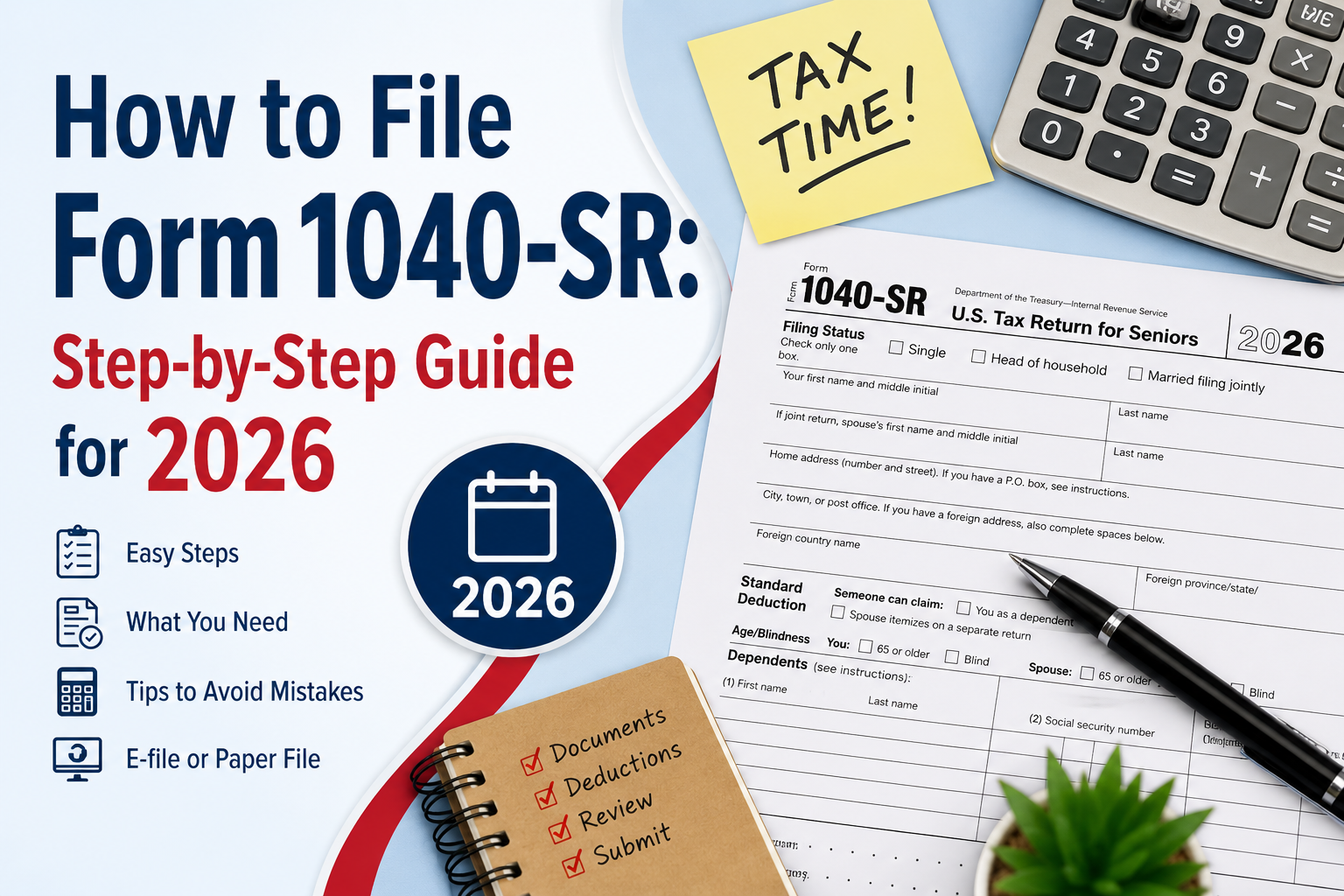
How to File Form 1040-SR: Step-by-Step Guide for 2026

Filing taxes as a senior doesn’t have to be overwhelming. Form 1040-SR was created specifically for taxpayers aged 65 and older, offering a larger font, a cleaner layout, and a built-in standard deduction chart β€” all while following the exact same tax rules as the standard Form 1040.

This guide walks you through eligibility requirements, the documents you’ll need, and a complete step-by-step filing process for the 2026 filing season, based on current IRS guidelines.

Key Takeaways

  • Form 1040-SR is available to taxpayers who are 65 or older.
  • It follows the same tax rules as the standard Form 1040.
  • The form includes larger text and a built-in standard deduction chart.
  • You can file it electronically or by mail.
  • Gather all W-2s and 1099s before starting your return.

What Is Form 1040-SR?

Form 1040-SR, “U.S. Tax Return for Seniors,” is an IRS tax form designed as an alternative to the standard Form 1040 for taxpayers who are 65 or older. It’s important to understand: this form doesn’t change how your taxes are calculated β€” it mirrors the standard 1040 line for line. What it changes is accessibility: larger text, higher contrast, and a standard deduction chart printed directly on the front page.

Example: A 70-year-old retiree receiving Social Security and pension income can use Form 1040-SR exactly as they would the standard 1040 β€” the difference is a form that’s easier to read and a deduction calculation that’s easier to find.

Feature Form 1040 Form 1040-SR
Who can use it Most taxpayers Taxpayers age 65+
Tax rules Same Same
Larger font No Yes
Standard deduction chart No Yes
E-file available Yes Yes

Who Is Eligible to Use Form 1040-SR?

You can use Form 1040-SR if:

  • You are 65 years of age or older by the end of the tax year, and
  • You are filing as an individual, or filing jointly with a spouse who also meets the age requirement (only one spouse needs to qualify for a joint return)

Important: Unlike some older simplified tax forms, there is no income limit to use Form 1040-SR. Whether your income comes from Social Security, pensions, wages, investments, or retirement account distributions, you remain eligible as long as you meet the age requirement.

Key Benefits of Form 1040-SR

Benefit Why It Helps
Larger, high-contrast print Reduces eye strain and lowers the risk of transcription errors
Standard deduction chart on page 1 No need to search the instruction booklet for your deduction amount
Same structure as Form 1040 No new tax rules to learn if you’ve filed before
No income restrictions Usable regardless of income source or amount

Documents You’ll Need Before You Start

Gathering your paperwork in advance prevents errors and speeds up filing. Have these ready:

Document Why You Need It
Form W-2 Report wages
SSA-1099 Social Security benefits
1099-R Pension and IRA withdrawals
1099-INT Interest income
1099-DIV Dividend income
Schedule K-1 (if applicable) Partnership/S-Corp income

Step-by-Step: How to File Form 1040-SR for 2026

Step 1: Confirm Your Eligibility

Verify you meet the age 65+ requirement by the end of the tax year covered by this return. For joint filers, only one spouse needs to meet the age threshold.

Step 2: Get a Copy of Form 1040-SR

The fastest and most reliable option is downloading the current-year form directly from IRS.gov. You can fill it out digitally or print and complete it by hand. Paper copies are also available at IRS Taxpayer Assistance Centers, many public libraries during tax season, and by phone request. Always confirm you’re using the correct tax-year version of the form.

Step 3: Gather All Required Income Documents

Collect every W-2 and 1099 form you received for the year before you begin. Filing with incomplete records is one of the most common causes of amended returns.

Step 4: Fill In Your Personal Information

Enter your legal name, Social Security Number, filing status, address, and spouse’s information if filing jointly. Be sure to check the age-based box that applies to you β€” this directly affects your standard deduction amount.

Step 5: Report All Income

List every source of taxable income, including wages, pensions, IRA distributions, Social Security benefits, interest, dividends, and capital gains, using the exact figures shown on your tax documents.

Step 6: Determine How Much of Your Social Security Is Taxable

Not all Social Security income is taxable. The IRS bases this on your combined income, which includes half of your Social Security benefits, your other taxable income, and any tax-exempt interest. If your combined income exceeds the threshold for your filing status, a portion of your benefits becomes taxable.

Step 7: Calculate Your Adjusted Gross Income (AGI)

Subtract eligible adjustments β€” such as traditional IRA contributions, HSA contributions, or student loan interest β€” from your total income to arrive at your AGI. This figure determines your eligibility for many deductions and credits.

Step 8: Choose Standard or Itemized Deductions

Use the standard deduction chart on the front of Form 1040-SR to quickly find your deduction amount. If your itemizable expenses (using Schedule A) would exceed this amount, compare both options and choose whichever lowers your tax liability more.

Step 9: Calculate Tax Liability and Apply Credits

After subtracting your deduction from your AGI, calculate your taxable income and apply any credits you qualify for, such as the Credit for the Elderly or the Disabled. Credits reduce your tax bill directly, dollar for dollar.

Step 10: Review, Sign, and Submit

Before submitting, double-check your Social Security number, income figures, bank details for direct deposit, and signatures. Joint filers must both sign. You can e-file through an IRS-authorized provider or mail a paper return to the address listed for your state. Keep copies of your return and supporting documents for at least three years.

Pro Tip: A single incorrect digit in a Social Security number or a missing signature is one of the most common reasons the IRS delays processing β€” always do a final review before submitting.

Example: Filing Form 1040-SR

To better understand the filing process, here’s a simple example.

Example:

Mary is 68 years old, single, and retired. During the tax year, she received:

  • Social Security benefits: $24,000
  • Pension income (Form 1099-R): $18,000
  • Interest income (Form 1099-INT): $900

Since Mary is over age 65, she is eligible to use Form 1040-SR. She gathers all her tax documents, enters her personal information, reports her income, calculates her Adjusted Gross Income (AGI), claims the standard deduction available to her, reviews the completed return for accuracy, and e-files it through an IRS-authorized provider.

This example shows how Form 1040-SR can simplify the filing process for eligible seniors while following the same tax rules as the standard Form 1040.

Common Mistakes to Avoid

  • Using an outdated version of the form from a previous tax year
  • Forgetting to check the age-eligibility box, which affects your deduction
  • Leaving out less common income sources like dividends or capital gains
  • Not comparing standard vs. itemized deductions before filing
  • Mailing a return without signatures from both spouses on a joint filing

Conclusion

Filing Form 1040-SR is straightforward once broken into clear steps: confirm your eligibility, gather your documents, and work carefully through each section β€” from income to deductions to credits. Its senior-friendly design exists to make tax season easier, not harder. Double-check your entries, sign before submitting, and keep your records safe. Whether you file on your own or work with a tax professional, preparation is the key to a smooth, accurate filing season.

Disclaimer:- This article is for general informational purposes and reflects IRS guidance available at the time of writing. Tax rules can change, and individual circumstances vary β€” consult a licensed tax professional or CPA for advice specific to your situation.


Frequently Asked Questions

What makes Form 1040-SR different from the regular Form 1040?

The difference is in the design, not the tax rules. Form 1040-SR uses a larger font and includes a standard deduction chart directly on the front page, but it reports the same information and follows the same tax calculations as the standard 1040.

What's the most important number to double-check before filing?

Your Adjusted Gross Income (AGI) and taxable income figures are the most critical, since they determine your final tax liability and your eligibility for many credits.

I've never filed taxes myself β€” is this form beginner-friendly?

Yes. If you're 65 or older, Form 1040-SR's larger text and built-in deduction chart make it one of the more approachable options for first-time filers, even though the underlying tax rules are identical to the standard 1040.

Β Is there a cost to use Form 1040-SR, and how long does it take?

The form itself is free. Filing time depends on your financial complexity β€” someone with simple income, like Social Security and a single pension, can typically complete it in one to two hours.

Can I use Form 1040 instead of Form 1040-SR?

Yes. Eligible taxpayers can use either Form 1040 or Form 1040-SR because both forms follow the same tax rules. Form 1040-SR simply provides a larger font and a built-in standard deduction chart for easier readability.

Leave a Reply

Your email address will not be published. Required fields are marked *

OCI Services Offered by Helpoci

X1 Visa Extension
X1 Visa Extension Get Started
OCI Card Renewal/ Reissue
OCI Card Renewal/ Reissue Get Started
Conversion of PIO Card to OCI Card
Conversion of PIO Card to OCI Card Get Started
Lost or Damaged OCI Card
Lost or Damaged OCI Card Get Started
OCI Miscellaneous Services
OCI Miscellaneous Services Get Started
OCI Card For Minors
OCI Card For Minors Get Started

OCI Card Application

Fill details to get started