The process to
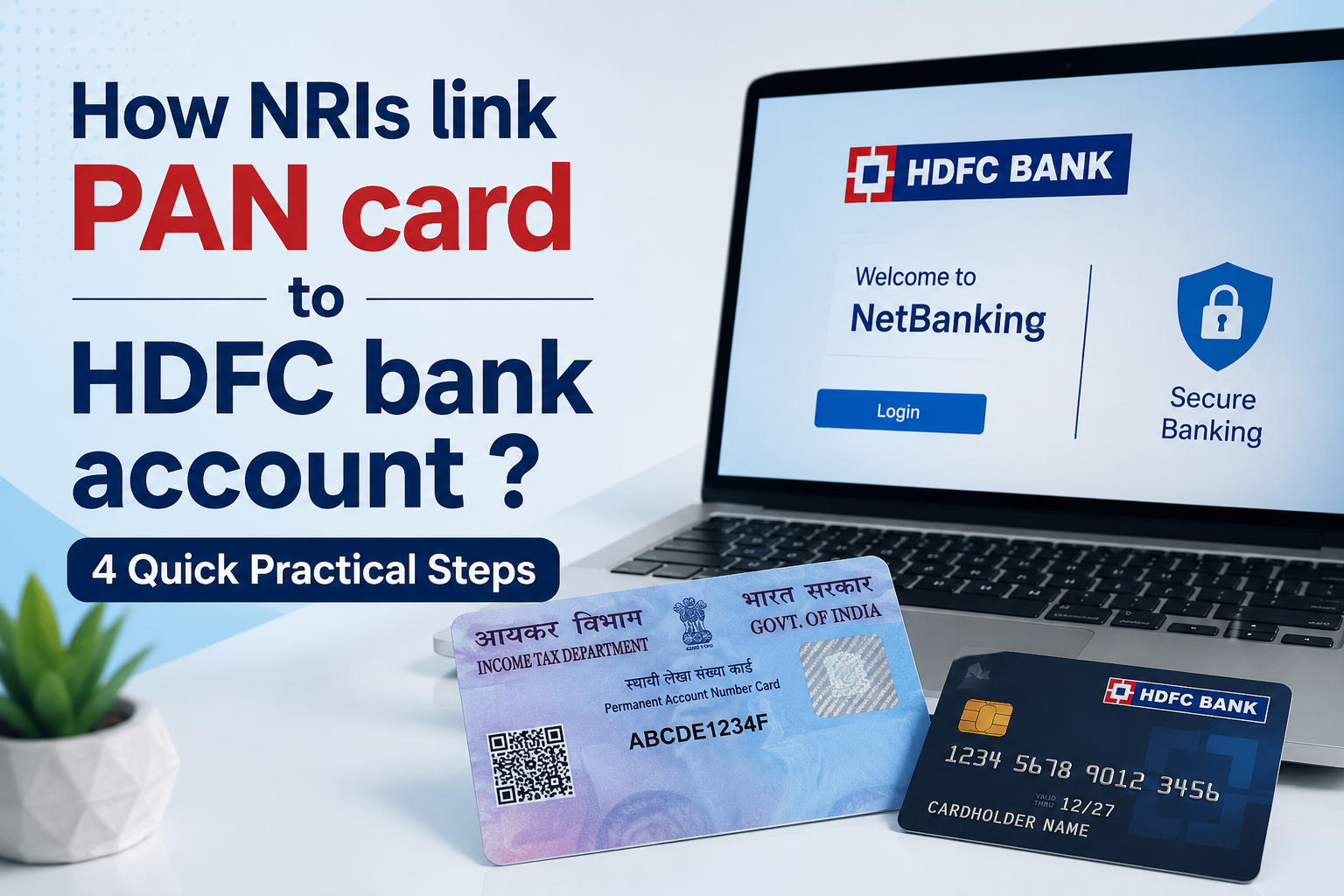
link PAN card to HDFC bank account is a fundamental step for full KYC compliance and unrestricted banking. People usually search for this because they've hit a transaction limit, received a notification from the bank, or need to handle tax-related matters like TDS on their savings interest. From what we've seen, getting this done proactively prevents your account from being put on hold or facing operational limits down the line. It's a simple task, but a necessary one.
What is Linking a PAN Card to an HDFC Bank Account?
This is the official process of registering your
Permanent Account Number (PAN) with your HDFC bank account. It formally connects your unique tax identity with your banking profile, making your account fully KYC-compliant.
The bank's system uses this link to track and report high-value transactions as required by the Income Tax Department.
For Example, if you try to deposit more than ₹50,000 in cash, the system will check for a linked PAN. If it's not there, the transaction will be stopped right in its tracks. It’s the backbone of financial transparency between you, the bank, and tax authorities.
Eligibility Criteria for Linking a PAN Card to an HDFC Bank Account
- I am 18 years or older
- 18+I am a Resident Indian / Non-Resident Indian(NRI)
- Users1I hold an active Savings / Salary Account and / or Credit Card with HDFC Bank
- Users
- My PAN is not updated in the HDFC Bank records
- PANI have all the details mentioned on my PAN card handy
- PersonI have my Debit Card / Credit Card / NetBanking / Aadhaar details for identity verification
4 steps to link PAN card to HDFC bank account as Non- Resident
Step 1:-Visit the
official Website and then Click on account section available on “Discover tab”.
Step 2:- Now click on Update card
Step 3:- Enter your Mobile Number and Date of Birth and then proceed to enter your pan details.
Step 4:- Now verify the details and submit for Updating.
Conclusion
Ultimately, linking your PAN card to your HDFC bank account is not a choice—it's a requirement for smooth banking. The process itself is simple, and HDFC provides multiple channels to get it done, whether you prefer doing it online, via the mobile app, at an ATM, or in person at a branch. Over the years, we've seen countless issues arise from unlinked accounts, from blocked transactions to higher tax deductions. Taking a few minutes to complete this one-time task ensures your account remains compliant and fully operational, saving you from any potential headaches later on.






Comments