
Once you’ve submitted your OCI update—whether it’s a new passport, address change, or OCI card re-issue—the next step is waiting. For many applicants, this waiting period can feel uncertain, especially when there’s little clarity on what’s happening behind the scenes.
This is where OCI Miscellaneous Services Tracking Status becomes important. It allows you to monitor the progress of your application and understand whether it is under process, approved, or dispatched. However, the tracking system can sometimes feel confusing, leaving applicants unsure about what each status actually means.
In this guide, we’ll walk you through the exact steps to track your OCI Miscellaneous Services application in 2026, explain the different status updates, and show you what to do if your application is delayed or not updating.
Read Also:- How to Apply for OCI Miscellaneous Services Online (Process + Fast Approval Steps)
What OCI Miscellaneous Services Tracking Status Actually Is?
The OCI Miscellaneous Services Tracking Status is just an online tool. It’s designed to give you a window into the lifecycle of your application after you’ve submitted it. Think of it as a progress bar for your OCI update. It tells you where your file is—whether it’s been acknowledged, is under review, or has been processed and is ready for the final step. Using this tool correctly is the only way to get peace of mind and plan accordingly, especially if you have travel coming up. It’s your primary source of truth.
Why Tracking Your OCI Application is Important?
Tracking your OCI application is not about impatience—it’s about staying informed and proactive throughout the process. Regularly checking your OCI status helps you identify any issues early, which can save weeks or even months of unnecessary delays.
For instance, if your application is put on hold due to missing documents, incorrect details, or unclear photographs, the tracking portal is usually the first place where this update appears. By monitoring your OCI update status online, you can respond quickly to any requests and avoid further complications.
Additionally, tracking your application gives you a better idea of processing timelines. This is especially important if you are planning travel, booking flights, or handling tasks that depend on your updated OCI card. Staying updated ensures that you can plan ahead with confidence and avoid last-minute disruptions.

Types of OCI Miscellaneous Services You Can Track
The system helps you track several different update types. Most people fall into one of these categories.
Passport Update
This is the most common reason people use the miscellaneous services portal. Every time you get a new passport, you are required to update the details on your OCI record. This ensures your OCI is linked to your current, valid travel document.
Address Change
If you move, you need to update your address. This includes changes to your mailing address, permanent address, or both. The tracking process for this is identical to other services.
Photo/Signature Update
Over the years, your appearance changes. The Indian government requires updated photos and signatures at certain milestones, like after you turn 20 and again after you turn 50. This keeps your biometric information current.
OCI Card Re-issue
This is for when your OCI card is lost, stolen, or badly damaged. You apply for a replacement, and you can track the progress of that re-issue request through the same portal.
Step-by-Step Guide to Track OCI Miscellaneous Services Status (2026)
This is the core process. Follow these steps exactly, and you’ll get your status.
Step 1: Visit the Official Website
First, go to the Government of India’s OCI services website. Don’t use third-party sites that claim to track your status for you; they are unreliable and a potential security risk. Stick to the official source.
Step 2: Navigate to Status Enquiry
On the homepage, you will see several options. Look for a button or link labeled “Status Enquiry” or something similar. Click it. This will take you to the main status-checking page. It’s usually very prominent on the site.
Step 3: Enter Your File Reference Number
This is the most important piece of information you have. After you submit your miscellaneous service application, you receive an acknowledgment with a File Reference Number. It usually starts with your country code (e.g., USAV…). Enter this number carefully. A single typo will result in a “No Record Found” error. Find the confirmation email or PDF you saved when you applied.
Step 4: Enter Passport Details and Captcha
You will need to enter your current passport number. This is the new passport number if you were applying for a passport update. Double-check that it matches the number you entered in your application. Then, complete the captcha to prove you’re not a bot.
Step 5: Check Status
Click the “Get Status” button. The page will refresh and display the current status of your application. The common statuses you’ll see are:
- Acknowledged:- Your application has been received by the system.
- Under Process:- The consulate or relevant authority is actively reviewing your documents. This is where it will sit for most of the time.
- Dispatched from MEA, New Delhi:- The OCI card or confirmation has been printed and sent from the Ministry of External Affairs to your local embassy/consulate.
- Document Received at [Your Consulate]:- The document has arrived at the local mission. You can expect to receive it soon.
Common Issues While Tracking OCI Status & Fixes
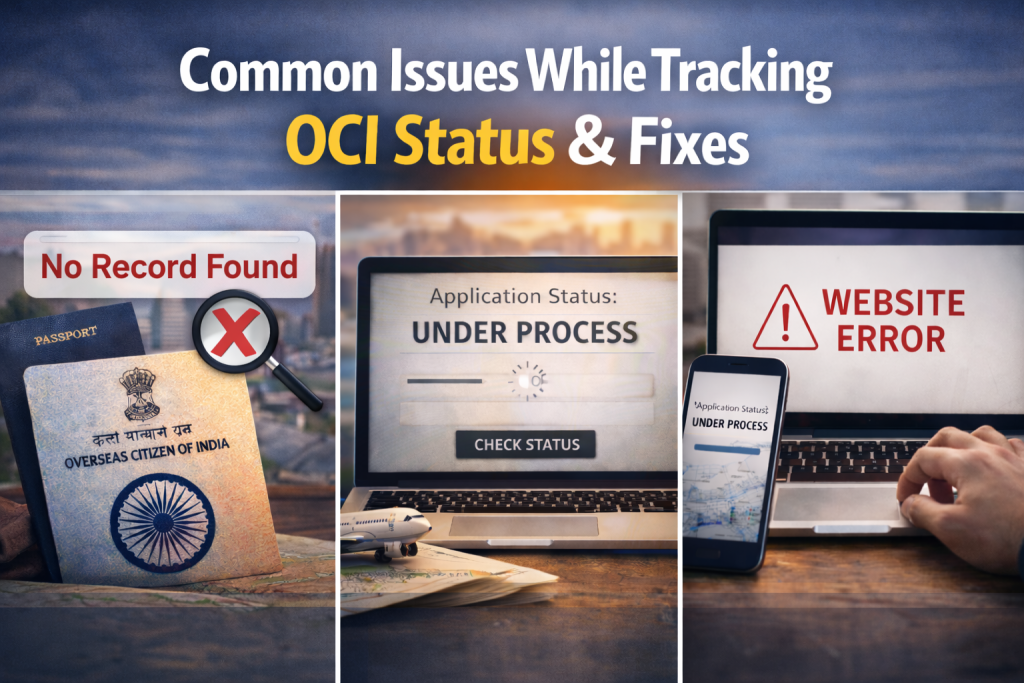
We see the same few problems crop up all the time.
No Record Found
This is a simple data entry error. Re-check your File Reference Number and passport number. Make sure there are no extra spaces before or after the numbers. Also, confirm you’re using the correct passport number (the one associated with the application).
Status Stuck on ‘Under Process
Patience is key here. “Under Process” can last for several weeks. It doesn’t mean something is wrong. It just means your file is in the queue. In our experience, we advise clients not to panic unless the status has been unchanged for more than 8-10 weeks. If it has, then it might be time to send a polite inquiry email to the consulate.
Website Errors
Government websites can be finicky. If the page won’t load or gives you an error, try these simple fixes first: clear your browser cache and cookies, try a different web browser (Chrome and Firefox are usually reliable), or just wait a few hours and try again.
Tips to Avoid Delays in OCI Miscellaneous Services
From our day-to-day work, a few simple actions can prevent major headaches.
- Triple-Check Your Scans:- Before you even submit, make sure your passport photo, signature, and supporting documents are crystal clear and meet the specified size and format requirements. A blurry or improperly cropped photo is the number one reason for an application being sent back.
- Use the Right Reference Number:- When you first apply, you get a temporary ID. After you upload documents and submit, you get the final File Reference Number. Only the final one works for the `OCI status check`. Save that confirmation PDF immediately.
- Be Patient with Updates:- The online status is not a live feed. It gets updated in batches. Checking it ten times a day won’t make it move faster. We recommend checking once a week. That’s enough to catch any issues without driving yourself crazy.
FAQs on OCI Miscellaneous Services Tracking Status
How long does it typically take for the status to change from “Acknowledged” to “Under Process”?
Usually, this happens within a week or two of your application reaching the consulate. It signifies that your file has been entered into their internal system and is waiting for an officer to review it.
What should I do if my OCI update is rejected or sent back?
The status portal will typically provide a brief reason. You will need to log back into your application using your File Reference Number, correct the error (e.g., upload a clearer document), and resubmit it. You do not need to start a brand new application.
Can I track my OCI application status using my old passport number?
No. Once you apply for an update with a new passport, that new passport number becomes the primary identifier for your application. Always use the new passport number for the `track OCI application status` function.
Conclusion
The OCI tracking system may seem complex, but it is an essential tool for staying updated on your application. With the right details and a bit of patience, you can easily monitor your progress and respond to any updates on time.
As we move into 2026 and beyond, the system is expected to improve with better automation and notification features like email or SMS alerts. Until then, regularly checking your OCI status remains the most reliable way to stay informed and avoid delays.