
How to Change Address on PAN Card Online: Step-by-Step Process (2026)

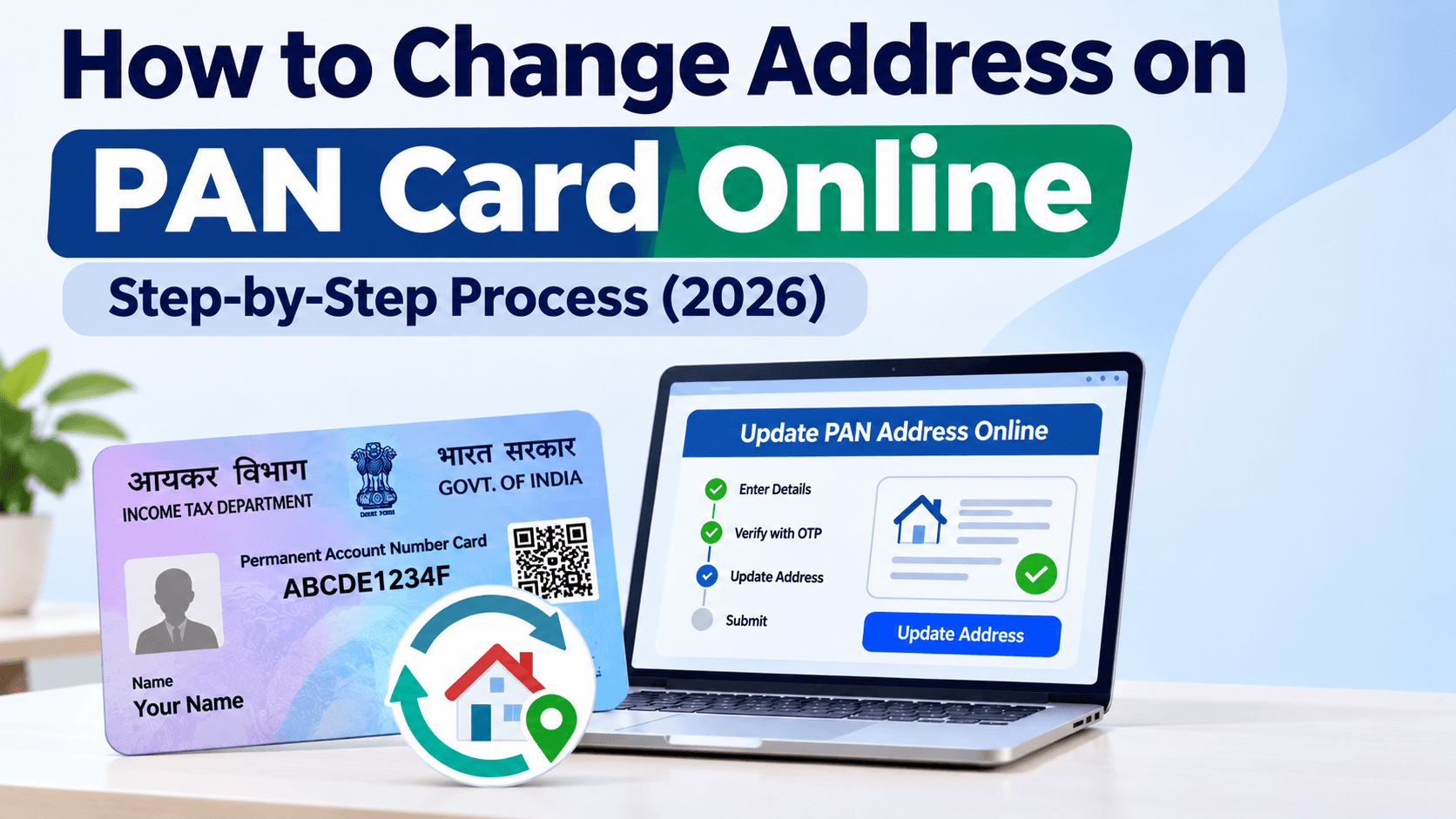
A Permanent Account Number (PAN) card is an essential financial document required for various banking, tax-related, and government transactions in India. Keeping your PAN details updated is important, especially when you move to a new address. The Income Tax Department provides online facilities to update or correct PAN details without visiting an office. In 2026, applicants can use Aadhaar-based e-KYC or the regular PAN correction process, depending on their requirements. This guide explains how to change your address on a PAN card online, the step-by-step process, required documents, applicable fees, processing time, and how to track your application status.
Why Keeping Your PAN Card Updated Is Important?
Keeping your PAN Card updated is very important. It’s one of the most important documents you need almost everywhere. You may need your PAN for:
-
Filing income tax returns
-
Opening or updating a bank account
-
Investing in mutual funds, shares, or a demat account
-
Applying for a loan or credit card
-
High-value purchases like property or a vehicle
If you've recently moved abroad, you may also need to update your residential status in PAN records. Check this guide: How to update NRI status in PAN card
Documents Required for PAN Card Address Change
For a regular PAN correction request, here’s a list of the documents required.
Aadhaar Card
Needed for Aadhaar-based e-KYC and OTP authentication when syncing your address from UIDAI records.
Address Proof Documents
Required under the standard correction route if your new address is not yet updated on Aadhaar, such as a valid utility bill, bank statement, or government-accepted proof of address.
Identity Proof (If Required)
May be requested during standard correction or mismatch checks to confirm applicant identity alongside PAN details.
Registered Mobile Number and Email ID
Essential for receiving OTPs during e-KYC and getting status alerts or confirmation updates on your application.
How to Change Address on PAN Card Online Through Aadhaar (Step-by-Step)
Step 1 – Visit the Official PAN Address Update Portal
Go to the official address update facility on Protean or UTIITSL. Select the option dedicated to updating your PAN address via Aadhaar e-KYC.
Step 2 – Enter Your PAN Number
Enter your 10-character PAN carefully and check for typos. Make sure your PAN is active and linked with Aadhaar.
Step 3 – Enter Your Aadhaar Details
Enter your Aadhaar number as requested. Make sure your PAN is already linked with Aadhaar to use this facility.
Step 4 – Verify Your Date of Birth
Enter your date of birth so the portal can validate your applicant profile. Ensure it matches what is on your PAN and Aadhaar.
Step 5 – Complete Aadhaar OTP Verification
Enter the One-Time Password sent to your Aadhaar-registered mobile number or email ID. This authorizes the portal to pull your current Aadhaar address.
Step 6 – Confirm Your Updated Address
Review the address fetched from Aadhaar on your screen. Confirm your contact details so updates reach you properly.
Step 7 – Submit the Application
Submit the e-KYC address update request after reviewing the details. Wait for the confirmation screen to load completely.
Step 8 – Save the Acknowledgement or Reference Number
Save the acknowledgement or reference number, if provided. You can use it to follow up on your request or check its status.
How to Change PAN Card Address Through Protean Portal
Protean eGov Technologies is an authorized PAN service portal where you can manage PAN updates and corrections online.
If you're an NRI or OCI holder updating your overseas address or other PAN details, check our guide on updating PAN card details online for NRI and OCI holders for the complete process and document requirements.
Step 1 – Open Protean PAN Services
Visit Protean's official PAN services portal (onlineservices.proteantech.in). Choose the online PAN application or address update service.
Step 2 – Select Changes or Correction in PAN Data
Choose the PAN change/correction request option. For an individual applicant, the current correction form is PAN CR-01.
Step 3 – Enter Your Existing PAN Details
Fill in your PAN and other details asked on screen, add the captcha, and submit. A token number is generated, so save it.
Step 4 – Fill in Your New Communication Address
In the application form, update your communication address with the new house number, area, city, state, and pincode.
Step 5 – Upload Supporting Documents
Upload your address proof and ID if the form asks. If using paperless e-KYC/e-Sign with Aadhaar, physical document dispatch is not needed.
Step 6 – Complete Verification and Payment
Complete OTP/e-Sign verification and pay the applicable processing fee online via UPI, card, or net banking if required for that mode. Keep the payment receipt with you.
Step 7 – Submit the Application
Submit the final form and save the 15-digit acknowledgement number. You can use this number to check your application progress later.
How to Change PAN Card Address Through UTIITSL
UTIITSL is the other official portal authorized by the Income Tax Department for PAN services. Here is how to move through it step by step:
Step 1 – Visit the UTIITSL Website
Open the official UTIITSL PAN portal (pan.utiitsl.com).
Step 2 – Select Address Update Facility
Choose the facility for updating the address in the PAN database through Aadhaar-based e-KYC or DigiLocker.
Step 3 – Enter PAN and Aadhaar Details
Enter your existing PAN and the Aadhaar details requested by the portal.
Step 4 – Verify Through OTP
Complete Aadhaar authentication using the OTP sent to your registered mobile number or email.
Step 5 – Confirm and Submit Your Request
Check the new address details carefully and then submit the request. Save your acknowledgement number to track the status of your application.
Is there any fee to update the address on PAN Card Online?
No, you don’t have to pay any fee for updating your address on the PAN Card Online. However, if you use the regular PAN correction application, a fee may apply depending on the application mode and whether you request a physical PAN card. Check the final amount displayed before payment.
How Much Time Does It Take to Update Address on PAN Card?
Expect roughly 2 to 3 working days for a digital copy via the Aadhaar e-KYC route, and about 2 to 3 weeks for a physical card. These are estimates, and actual time depends on the route, document checks, and your location.
|
Stage |
Typical time |
|
Submitting the online request |
A few minutes |
|
Processing with Aadhaar e-KYC (e-PAN emailed) |
2–3 working days |
|
Processing with e-Sign or other documents |
Up to 15 working days |
|
Printing and dispatch of the physical card |
5–7 working days after processing |
|
Speed Post delivery |
Varies by city and holidays |
If your status shows an objection, it usually means a mismatch or missing document. Fix it on the portal and the time stretches a bit.
Problems You May Face During PAN Card Address Update
1. Mismatch Between PAN and Aadhaar Details – Differences in name, date of birth, or other personal details.
2. OTP Not Received During Verification – Issues receiving OTP on the Aadhaar-linked mobile number.
3. Incorrect Address Details in Aadhaar – An outdated or incorrect Aadhaar address affecting the PAN address update process.
4. PAN Card Address Update Request Rejected – Reasons why an application may get rejected due to incorrect information or verification issues.
5. Unable to Submit the PAN Address Update Application – Website errors, server issues, or technical glitches during submission.
6. Payment Failed but Amount Deducted – Payment-related issues while submitting a PAN correction application.
7. PAN Address Update Status Not Available – Problems checking the application status using the acknowledgement number.
8. Updated Address Not Reflected in PAN Records – Delay in reflecting the new address after successful application submission.
How to Check PAN Card Address Change Status Online?
Check Status Through Protean
-
Visit the Protean PAN Status Tracking Page.
-
Select the PAN application or change request option.
-
Enter your 15-digit acknowledgement number.
-
Complete the verification and submit to view your application status.
Check Status Through UTIITSL
-
Visit the UTIITSL PAN Status Tracking Page.
-
Select the relevant PAN application type.
-
Enter the coupon/Application number generated when you submitted your application.
-
Click Submit to view the status.
Conclusion
Changing your address on a PAN card online is a simple process once you choose the right method. If your PAN is linked with Aadhaar and you want to use the same address, the Aadhaar-based facility is the easiest and free option. If you need to update your communication address separately, you can submit a correction request through Protean or UTIITSL. Keep your details accurate, save your acknowledgement number, and check the status until your request is processed. Your PAN number will remain the same after the address update.
Note: This guide is for information purposes only. HelpOCI or the author will not be responsible for any direct or indirect loss incurred by the reader for taking any decision based on the information or the contents. It is advisable to consult a qualified professional for guidance based on your exact situation.

Anil is an NRI documentation and immigration specialist at HelpOCI, a trusted platform dedicated to simplifying OCI, PAN, Visa, Passport, and NRI-related services for applicants worldwide. With extensive expertise in Indian consular services, overseas documentation, OCI applications, PAN card services, visa assistance, passport renewals, and NRI compliance, Anil is committed to making complex government procedures easier to understand and navigate. By combining in-depth research with official government guidelines, Anil creates practical, accurate, and easy-to-follow resources that help applicants complete their documentation confidently and efficiently See Full Bio
Get Reliable Support
Get reliable support for every step, whether it's form filling or final submission.




Want to read more? Explore Blogs
Comments