
OCI Miscellaneous
How to Apply for Gratis Services on helpoci- GuideHow to Apply for Gratis Services on helpoci- Guide
Written by Anil
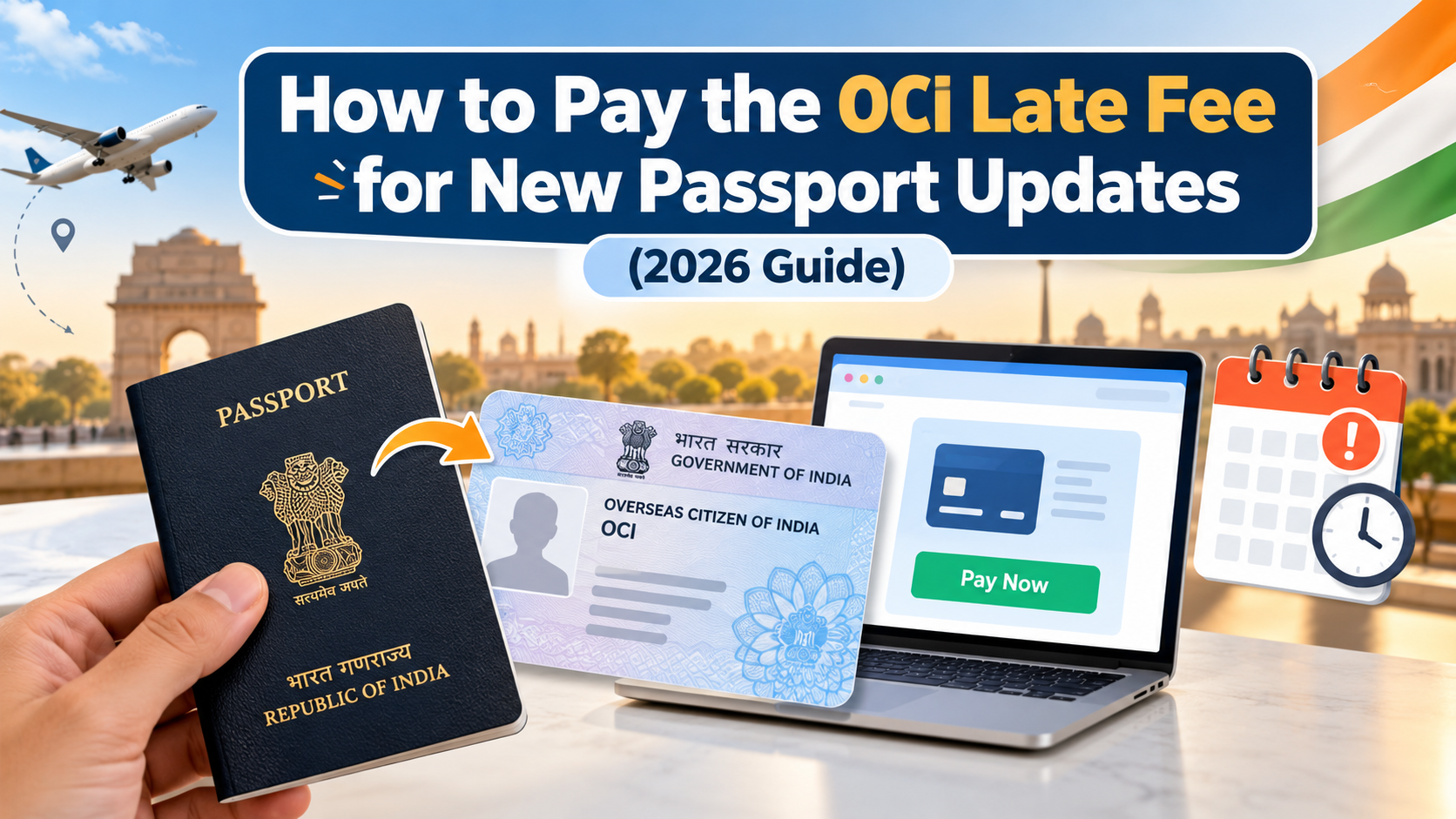
If you have received a new passport but forgot to update its details in your Overseas Citizenship of India (OCI) records, you may need to pay a late fee to complete the process. Many OCI cardholders discover this requirement only when their application shows a pending status or they receive a payment notification from the relevant authority.
The good news is that you can resolve this issue by following the prescribed procedure. However, the payment method, applicable charges, and supporting documents may vary depending on your country of residence and the Indian Mission or service provider handling your application.
This guide explains how to check your application status, understand the applicable charges, complete the payment process, and resolve common problems.
OCI cardholders are required to upload their new passport details and a recent photograph through the official online portal whenever a new passport is issued.
According to the official OCI Miscellaneous Services FAQs, passport particulars should generally be updated within three months of receiving the new passport. The service is provided free of charge when the applicant meets the prescribed timeline. If the update is submitted after this period, a fee may apply.
For applicants in the United States, the Consulate General of India in San Francisco announced the following charges on June 16, 2026:
| Fee component | Amount |
|---|---|
| Consular fee | $25 |
| Indian Community Welfare Fund (ICWF) | $3 |
| VFS service fee | $19 |
| Total | $47 |
These charges apply to the specified US process. Applicants in other countries should check the instructions issued by their jurisdictional Indian Mission or authorized service provider rather than assuming the same total applies everywhere.
Who may need to pay?
You may be required to pay the applicable charges if:
You received a new passport more than three months ago.
You submitted your online application after the prescribed period.
Your application requires payment verification before processing can continue.
You received an official notification requesting payment or additional documentation.
Before making any payment, confirm the requirements for your particular application. A delayed update does not mean that every applicant will automatically follow the same payment procedure.
Don't worry! If your passport update is overdue, you can now pay the complete applicable fee directly through our OCI Gratis Service. Get your new passport details updated without the hassle of navigating the process alone.
PAY FEES NOW →Understanding when to update your information can help you avoid unnecessary charges and application delays.
Passport and photograph updates are important for younger cardholders because their appearance can change considerably as they grow. Applicants should follow the applicable re-issuance and online update requirements when a new passport is issued.
Cardholders in this age group should upload the required passport details and recent photograph whenever a new passport is issued, following the prescribed guidelines.
An update does not necessarily mean that a physical OCI card must be reissued in every situation. The applicable process depends on the current OCI rules and the applicant's circumstances.
Applicants who receive a new passport after turning 50 should also check the applicable passport-update requirements. Do not assume that turning 50 automatically creates a late-fee liability. The timing of the passport issuance, the date of the online submission, and the applicable re-issuance rules all matter.
Important: The three-month deadline relates to the passport-update process. Check the official guidelines for your specific case before deciding whether a fee is due.
If you missed the deadline, follow these steps to identify the correct payment procedure and move your application forward.
Visit the official OCI Services Portal and review your Miscellaneous Services application.
Check whether the application is submitted, under process, awaiting verification, or pending because of a payment requirement. If you received an email from the Indian Mission or an authorized service provider, read it carefully to identify the next action.
A pending application does not always mean that payment is outstanding. The delay could relate to document verification, incorrect passport details, missing information, or an outstanding fee.
Check your application reference number and any official correspondence before proceeding.
Review the instructions issued by the Indian Mission, Consulate, or authorized service provider responsible for your application.
For example, the US process described in the June 2026 San Francisco Consulate advisory requires applicants to complete the online application before paying through the appropriate VFS Centre. Other jurisdictions may use different procedures.
Do not rely on an old payment link or instructions intended for applicants in another country.
Once you have confirmed the applicable amount and received the correct instructions, complete the payment using the authorized method.
For applicants following the specified US procedure, payment is made online through the relevant VFS Centre. The payment must correspond to the location responsible for the original OCI issuance.
Before submitting the payment, verify that your name, passport number, and application reference details are correct.
Keep the payment receipt or confirmation email for your records. The responsible authority may need to receive or verify the payment confirmation before processing your application.
Allow sufficient time for the payment information to reach the relevant office. If your status does not change, contact the service provider using its official contact details and ask whether the payment has been recorded.
The process is not necessarily complete immediately after you pay. Wait for the relevant authority to acknowledge and process the request.
Sit back and relax while our team guides you through updating your new passport details. Choose our Gratis Service for assistance with the process.
✓ No Extra Service Cost ✓ Hassle-Free Guidance
Get Assistance Today →One common difficulty is locating the correct payment link after submitting an application. Applicants may expect the link to appear automatically on the portal, but the procedure can differ by jurisdiction.
Here are the steps to follow.
Review your application details and any available notifications on the official OCI website. Confirm that the application has been submitted under the correct service category.
Search your inbox, spam folder, and junk folder for messages from the Indian Mission, Consulate, or authorized service provider.
Some jurisdictions issue payment instructions after reviewing the application or identifying the outstanding requirement. For example, the High Commission of India in London published instructions in September 2026 explaining that certain applicants who submitted their requests more than 90 days after passport renewal would receive payment instructions and a prescribed form by email.
Always verify that the sender and payment destination are legitimate before making a transaction.
If you cannot locate the payment instructions, contact the office responsible for your application.
For applicants in the United States, the VFS Global passport particulars update page provides information about the applicable process, fees, and payment requirements.
Do not use a payment link obtained from an unrelated website, social media comment, or unverified message.
A pending status can be confusing, particularly when you have already uploaded the required documents or submitted a payment.
Before submitting another application or making an additional payment, identify what is preventing the request from moving forward.
If you have paid the required amount, the relevant authority may still be waiting for confirmation from the service provider.
Keep your receipt and contact the payment provider to confirm whether the transaction was processed successfully.
Compare the passport number, OCI card number, applicant name, and application reference details entered in your submission.
Even a small discrepancy can cause processing difficulties. Follow the official correction procedure if you discover an error.
Check whether the authority has requested a declaration, supporting document, or clarification. Submit the requested information through the prescribed channel.
Allow reasonable processing time after the payment and document requirements have been completed. If there is no progress, contact the responsible authority and provide your application reference number and payment confirmation, where applicable.
Avoid submitting duplicate applications unless the relevant authority instructs you to do so.
Preparing the necessary information before contacting the relevant office can make it easier to resolve a payment issue.
Depending on your circumstances and jurisdiction, you may need the following:
Existing OCI card: Keep a copy of your current OCI registration details.
Current passport: Have a copy of the newly issued passport available.
Previous passport: Keep the old passport copy if available and required for your case.
Application reference number: Use the number associated with your online submission.
Payment notification: Retain the official email or instructions explaining the amount due.
Payment receipt: Keep proof of payment if the transaction has already been completed.
Declaration or supporting form: Provide these only when requested under the applicable procedure.
The official OCI FAQs identify copies of the OCI card, new passport, and old passport as relevant supporting documents for a new-passport request, subject to the stated exceptions.
Check the requirements for your jurisdiction before submitting anything. Not every applicant will need to provide every document, and some processes require online uploads rather than physical document submission.
Yes, in the circumstances covered by the official guidelines, the online passport-update service is available without a fee when the update is completed within three months of receiving the new passport.
However, if you missed this period, you should not assume that the charge can be waived simply by submitting the application again.
The appropriate next step depends on your circumstances:
Your passport was issued less than three months ago: Submit the required information within the prescribed period.
Your passport was issued more than three months ago: Check the applicable late-payment instructions.
You submitted the application on time but received a payment request: Contact the responsible authority to clarify the reason before paying.
You cannot find the payment link: Request the official payment instructions from the relevant office.
Your circumstances are unusual: Ask the authority whether any exception or alternative procedure applies.
The important distinction is between the date your passport was issued and the date you submitted the update. Keep both dates available when seeking assistance.
The base consular fee specified in the US process is $25. Additional charges may apply. Under the San Francisco Consulate's June 2026 advisory, the total is $47, including the $3 ICWF charge and $19 VFS service fee. Other jurisdictions may have different charges.
First, submit the required online Miscellaneous Services application. Then follow the payment instructions issued by the relevant Indian Mission or authorized service provider. For the specified US procedure, payment is made online through the appropriate VFS Centre.
Check your registered email, including the spam folder, and review the official instructions for your jurisdiction. If the link is still missing, contact the responsible Mission or service provider to request the correct payment procedure.
In many cases, you can address a pending application by completing the outstanding requirement. Check whether the issue relates to payment, document verification, or incorrect information before taking further action.
The timeline varies by jurisdiction and the time required to verify payment. The US VFS instructions published in July 2026 indicate a turnaround time of 8–12 weeks for the specified passport-particulars process. This should not be treated as a universal timeline for all countries or applications.
Yes. If you are unsure which procedure applies to your circumstances, HelpOCI's OCI Miscellaneous Services page provides information about assistance with these applications.
Before seeking help, keep your application reference number, passport issuance date, current status, and any payment notification available. This information can help the team understand your situation and explain the appropriate next steps.
Missing the deadline to update your passport details does not mean that your application cannot be resolved. The key is to identify the reason for the pending status, confirm the applicable charges, and follow the payment procedure issued by the authority responsible for your case.
Start by reviewing your application on the official portal. If a fee is required, use only the authorized payment channel and retain the receipt. If the payment link is missing or the application remains pending, seek clarification before making another payment.
If you need assistance understanding the requirements or navigating the application process, visit HelpOCI to explore the available support services.
Note: This guide is for information purposes only. HelpOCI or the author will not be responsible for any direct or indirect loss incurred by the reader for taking any decision based on the information or the contents. It is advisable to consult a qualified professional for guidance based on your exact situation.
Get reliable support for every step, whether it's form filling or final submission.




Want to read more? Explore Blogs
Comments