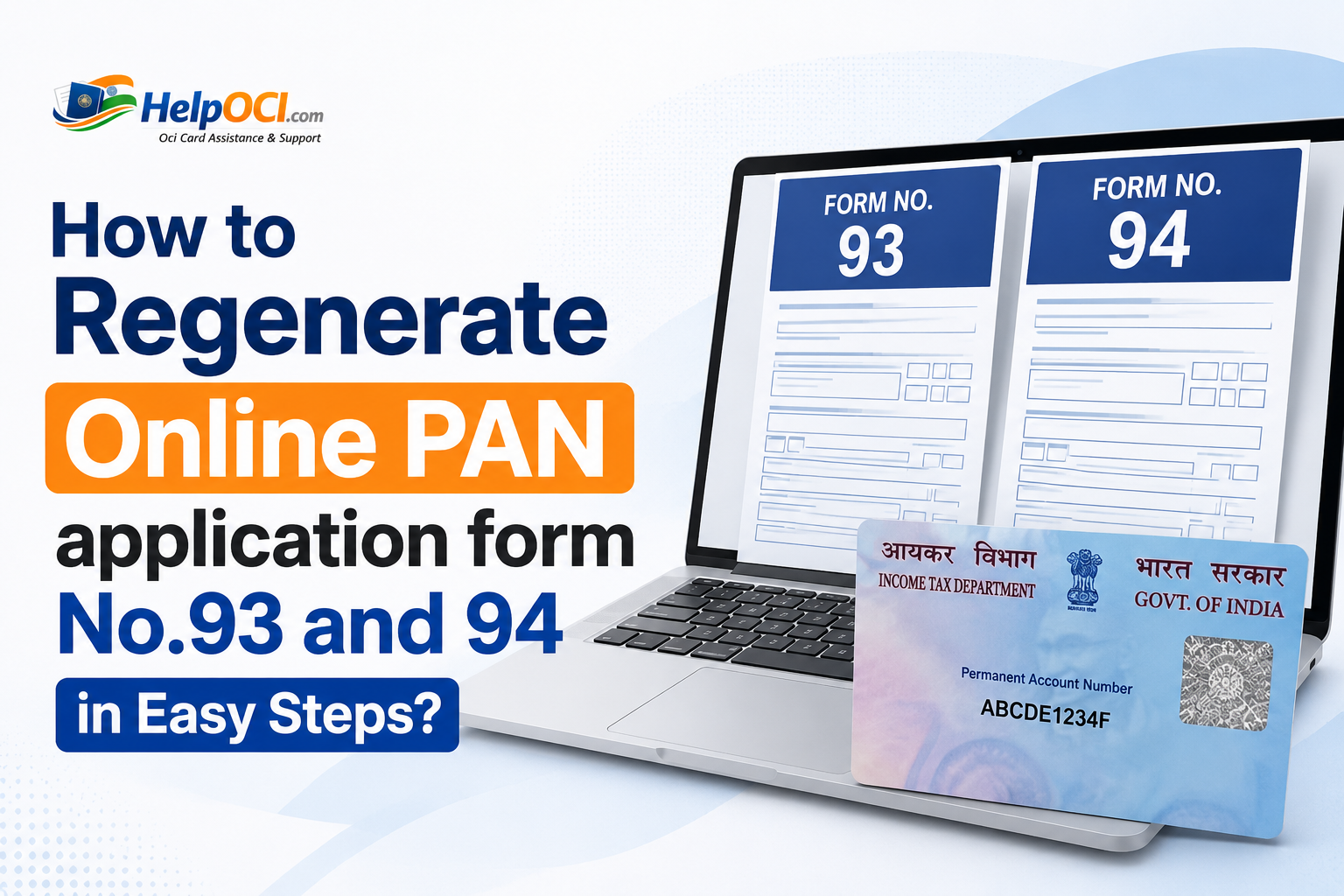
It's a common scenario faced by applicant: you start filling out your PAN card application online, get distracted, and close the browser. Later, you realize you never finished it. The good news is you don't have to start from scratch. If you saved your progress, you can easily
regenerate your online PAN application form using a temporary token number provided to you. This guide will walk you through the exact steps to find and continue your incomplete application on both official government portals.
What You Need Before You Start
To successfully retrieve and continue your
PAN application, you must have the following details ready. The process is designed to be secure, so you cannot proceed without this specific information.
| Information Required |
Why It's Needed |
| Temporary Token Number |
This is the unique 15-digit alphanumeric code generated when you first started your application. It acts as your application's temporary ID. |
| Email Address |
You must use the exact same email address you provided during the initial registration. |
| Date of Birth |
This is used as a security measure to verify your identity before granting access to the saved form. |
Important, you must remember which portal you used to start your application: NSDL (now Protean) or UTIITSL. You can only continue your application on the same portal where it was initiated.
The NSDL portal, now managed by Protean eGov Technologies Ltd., is one of the two authorized platforms for PAN applications. If you started here, follow these steps precisely to get back to your form.
Step 1: Navigate to the NSDL PAN Website
Open your web browser and go to the official NSDL PAN services website or savetaxes. On the homepage, you will see the main application form section. Instead of starting a new application, look for the option to continue an existing one.
Step 2: Select the Correct Option
On the main page, you will see a section labeled "Apply Online." Right below the "Application Type" dropdown, you will find an option that says "Registered User." Click on this button to proceed with retrieving your saved form.
Step 3: Enter Your Application Details
After clicking "Registered User," you will be prompted to enter three key pieces of information:
- Temporary Token Number: Carefully type the 15-digit token number you received in your email.
- Email ID: Enter the email address you used when you first registered.
- Date of Birth: Fill in your date of birth in the specified DD/MM/YYYY format.
You will also need to enter the captcha code displayed on the screen for verification purposes.
Step 4: Submit and Continue Your Application
Once you have filled in all the details accurately, click the "Submit" button. If the information matches the records, the system will regenerate your incomplete PAN application form, loading it exactly where you left off. You can then proceed to fill in the remaining sections, upload your documents, and complete the payment process.
Steps for UTIITSL PAN Application Continue Process
If you initiated your application on the UTIITSL portal, the process to retrieve it is slightly different. UTIITSL is the second entity authorized by the government to manage PAN services.
Step 1: Visit the UTIITSL PAN Portal
Go to the official UTIITSL PAN card application portal. The homepage is designed for various PAN-related services, including applying for a new card, making corrections, and regenerating an incomplete application.
Step 2: Locate the Regeneration Option
On the main menu or a prominent section on the page, look for a link or button labeled something like "Regenerate Online PAN Application" or "Fill/Regenerate." This is the specific option for users who have a temporary application coupon number and want to continue.
Step 3: Provide Your Application Number and DOB
The UTIITSL portal will ask for the following details:
- Application Coupon Number: This is UTIITSL's term for the temporary token number. Enter the number you received via email.
- Date of Birth: Provide your date of birth as per your records.
You may also need to complete a captcha verification before you can submit the information.
Step 4: Resume Your Incomplete PAN Application Form
After submitting the correct details, the portal will retrieve your saved data. Your application form will appear on the screen, allowing you to pick up right from the last completed step. You can then fill out the rest of the form, upload the necessary documents, and proceed to payment to finalize your submission.
What if You Can't Find Your Temporary PAN Application Number?
Losing your token or application coupon number is a common issue, but there is a straightforward way to find it. When you first start the PAN application on either portal, an automated email and sometimes an SMS is sent to the contact details you provided.
Check Your Email Inbox and Spam Folder
The first and most important step is to search your email inbox thoroughly. Look for an email from NSDL, Protean, or UTIITSL sent around the date you started the application. Use search terms like "PAN application," "token number," "acknowledgement," or "coupon number." Don't forget to check your spam or junk folder, as these automated emails can sometimes be filtered incorrectly.
Don't worry! If you've misplaced your token number or don't know where to find it, our experts are here to help.
What if the Token Number is Permanently Lost?
Unfortunately, there is no online tool or helpline to recover a lost token number if you have also deleted the email. These numbers are temporary and tied to a specific session for security reasons. If you cannot find the email or SMS containing your token number, you will have to start a
fresh PAN application. The previous incomplete application will automatically be deleted from the system after its validity period expires (usually 30 days).
Conclusion
Being able to
regenerate your online PAN application form is a convenient feature that saves you from the frustration of re-entering all your information. The key is to have your temporary token number, email address, and date of birth handy. Remember to return to the same portal—NSDL (Protean) or UTIITSL—where you began the process. By following the simple steps outlined above, you can quickly retrieve your saved progress and move one step closer to getting your PAN card. If you've lost your token, don't worry; starting a new application is quick and ensures your data is fresh and accurate.





Comments