
OCI Miscellaneous
How to Change Name on OCI Card in USA (2026 Guide)How to Change Name on OCI Card in USA (2026 Guide)
Written by Anil

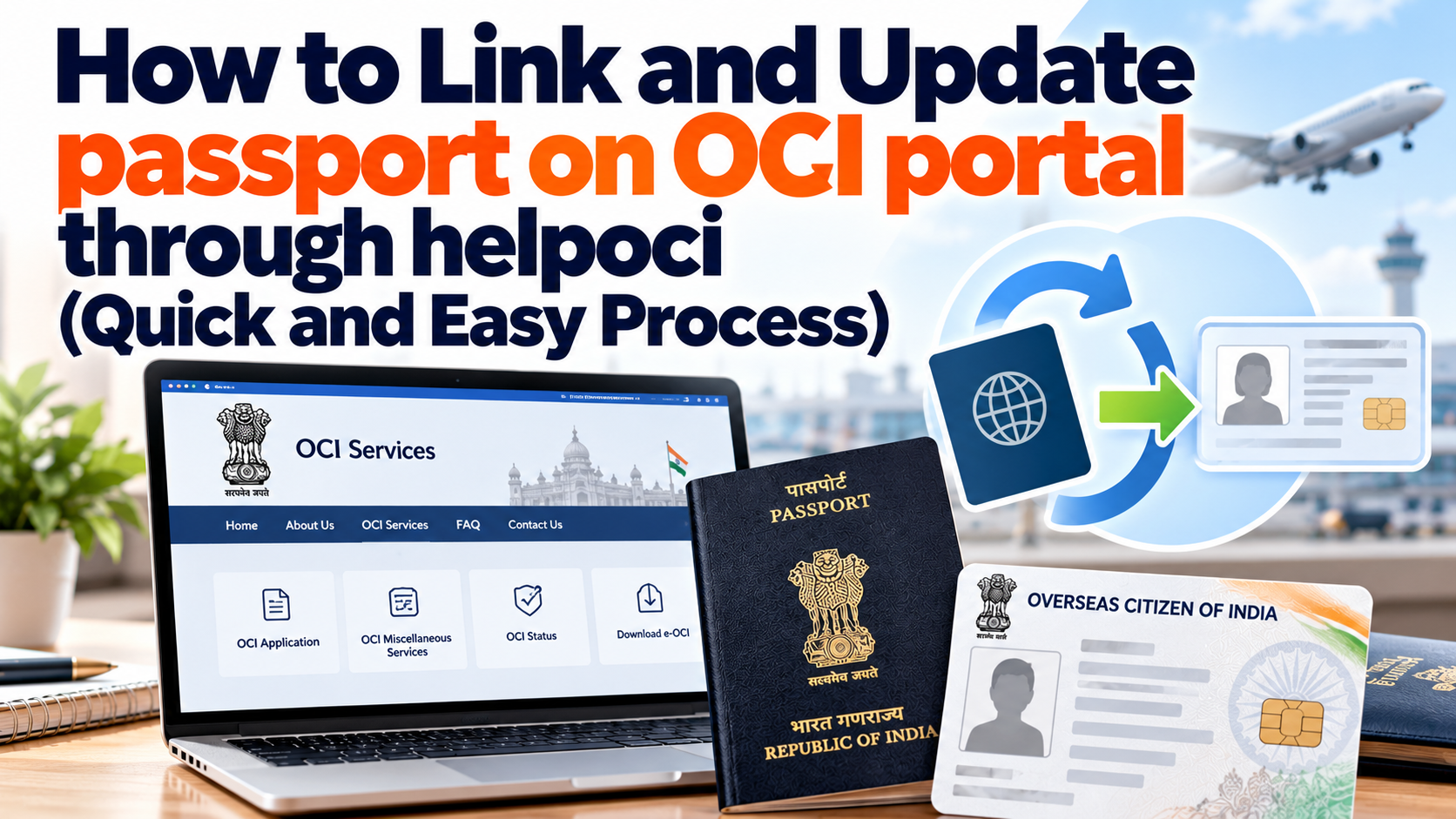
You are an OCI holder who has obtained a new passport and wants to link it to your OCI card; you have been searching online but haven't found a perfect solution. We understand that you will keep searching until you find the perfect solution; however, this blog will resolve all your issues by providing simple, clear steps on how to link your new passport details with your existing OCI.
Here’s one simple rule. Before filing any forms, make sure to check your age category. Your age is determined by when your new Australian passport is issued. Your age will decide if your application can be completed entirely online and for free or if you have to physically apply for a passport at the VFS Global center.
| Age Group | When New Passport is Issued | Action Required | Cost |
| Under 20 Years | Each time a new passport is issued | Online Update Only (Upload new passport copy + recent photo) | Free (Gratis) |
| 20 Years Old | First new passport issued after turning 20 | Mandatory Reissue (Must get a new physical OCI card via VFS) | Paid ($25 USD + VFS Fees) |
| 21 to 50 Years | Each time a new passport is issued | No Reissue Needed. Just travel with your existing OCI and new passport. (Optional online update) | Free |
| Above 50 Years | First new passport issued after turning 50 | Online Update Only (Upload new passport copy + recent photo once) | Free (Gratis) |
Important Note: If you need to update your category online, you have 3 months of receiving your new Australian passport to upload the documentation to the portal. 3 months after receiving the passport and failing to update it may result in a $25 USD penalty fee.
In order for your online application to not get rejected, have copies of the following documents saved in the online application. The application is very particular about formatting and file size:
This process comes under the “OCI miscellaneous Service” that means there is no fee and again not in every circumstance you have to. Follow these exact steps to link your passport details directly via the official Indian Government gateway There are two options to proceed options either you register yourself or if you already have an account you go ahead
Note:- Passport update for an existing OCI is for those who have OCI issued already so the next step is
Note:- There are size limitations format limitations and other things so make sure it matches with that and when you upload signature. If you have a minor who cannot sign there is a way of thumb expression too so that can be done here.
Note from us:- There will be some more options but in this case like the case we was following it was not required but you can check the drop down click on upload.
Make your OCI update process easier with expert assistance from HelpOCI. Get guidance with passport updates, personal detail corrections, and required documents through our OCI Miscellaneous Services.
Update your passport Now →Once you click submit, your application as per our process, You need to wait for at least 6 to 8 weeks to the respective Indian Mission or Consulate for verification. Let’s Understand in Detail Processing Timeline It typically takes 6 to 8 weeks for the data records to be updated in the system. You will receive an automated email confirmation once the processing is complete. You will not receive a new physical OCI card; the details are simply updated in the immigration database. Are You Updating your passport from Sydney Australia , If yes, Know the Complete processing Time from here- Australia CGI Sydney OCI Processing Time 2026 Thanks for Reading.
Note: This guide is for information purposes only. HelpOCI or the author will not be responsible for any direct or indirect loss incurred by the reader for taking any decision based on the information or the contents. It is advisable to consult a qualified professional for guidance based on your exact situation.
Get reliable support for every step, whether it's form filling or final submission.




Want to read more? Explore Blogs
Comments