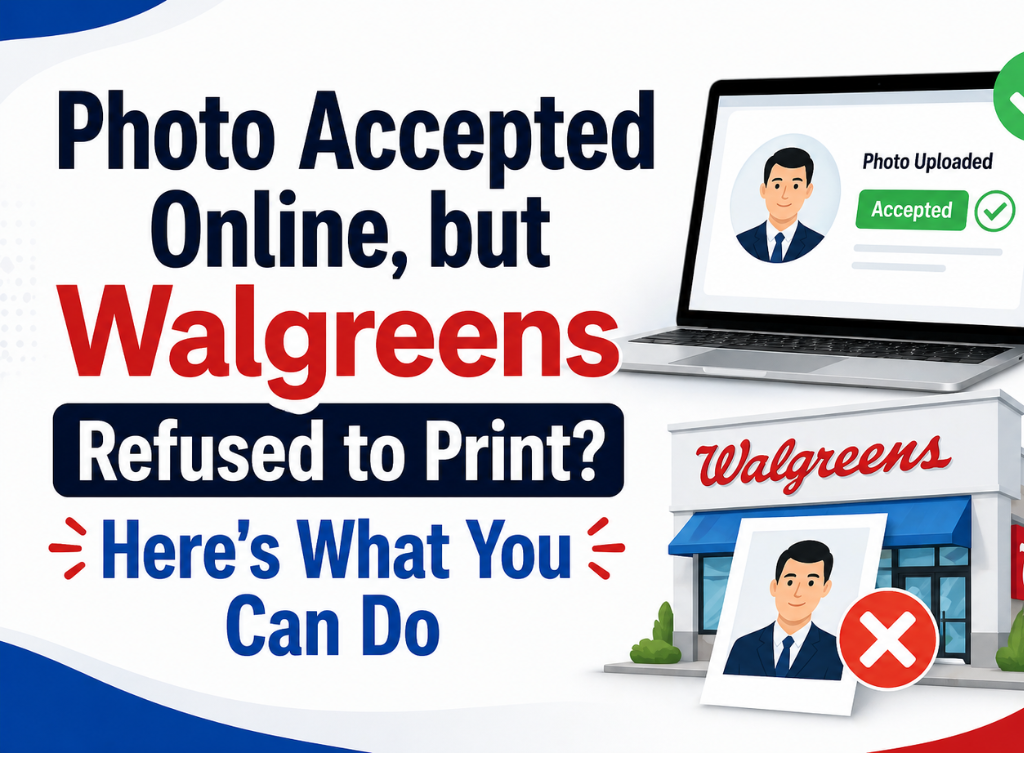
You did everything right — uploaded your photo, got Photo Accepted Online, and thought the hard part was over. But then Walgreens suddenly refuses to print it just because it wasn't taken at one of their stores? Don't worry, this happens to most users. The common issue is a gap between the website's automated file check and the store employee's policy check.
But literally, this is very frustrating. Same problem you are facing, no need to worry, there are simple ways to fix this quickly that we mentioned in this guide.
Know the reason why "Photo Accepted Online, Was Refused In-Store"?
The Two-Gate System: Automated vs. Human
The Walgreens photo uploader is just a machine, not a human. Its only job is to check the file's basics: Is it a JPG? Is the resolution high enough for the print size you chose? Is the file corrupted? That's it. It cannot see the *content* of the photo. The employee at the photo counter is the second, and more importantly, the
gate. They are trained to look for things the machine can't see—copyright issues, policy violations for specific photo types, such as passport photos, and overall print quality. Your photo passed the technical check online but failed the content and policy check in person.
Copyright and Professional Photos
Another reason: the photo is also rejected. If your photo looks like a professional photographer took it, they will not print it without permission. It includes:
- Obvious watermarks or studio logos.
- Photos from a wedding, a graduation, or a professional portrait session.
- Even high-quality photos without a watermark can be flagged if the lighting and composition scream "professional."
Passport and ID Photo Compliance
If you're trying to print a passport or ID photo you took yourself, it has to meet very strict government standards. The photo lab tech is trained to spot common failures because if they print a photo that gets your application denied, it reflects poorly on them. They are actually trying to help you. Common rejection points include:
- The background isn't pure white or off-white.
- There are shadows on your face or behind you.
- You are smiling or making an expression that isn't neutral.
- The photo is not framed correctly (head size, eye level).
- You are wearing glasses, which is no longer allowed for US passport photos.
Instead of fighting it, ask the employee *specifically* what is wrong with the photo. They can usually point out the exact issue, allowing you to retake it correctly.
Print Quality and Resolution Flags
Sometimes a photo's resolution is technically high enough for the uploader, but it still looks terrible when printed. It happens a lot with photos saved from social media or screenshots. The file might say it's 1200x1800 pixels, but heavy compression has destroyed the quality. The employee will see the pixelation or blurriness on their screen and flag it. They are preventing you from paying for a grainy, low-quality print that you'll just want to return anyway. If this is the case, you simply need to find the original, high-resolution source file for the picture.
How to resolve this photo rejection problem?
- Use Other Photo Printing Stores
- Print at Home (If Possible)- Size is (e.g., 2x2 inches for passport/OCI)
- Use Online Printing Services
- Visit a Local Photo Studio
- Ask Walgreens (Different Location or Staff)
- Sometimes, it depends on the store or staff. You can: Visit another Walgreens location.
- Politely explain that the photo meets official requirements.
Still You don't understand How to resolve this problem,
Contact us, We will prove end to end solution of this problem in short and simple way.





Comments